- Does Roost replace my terminal?
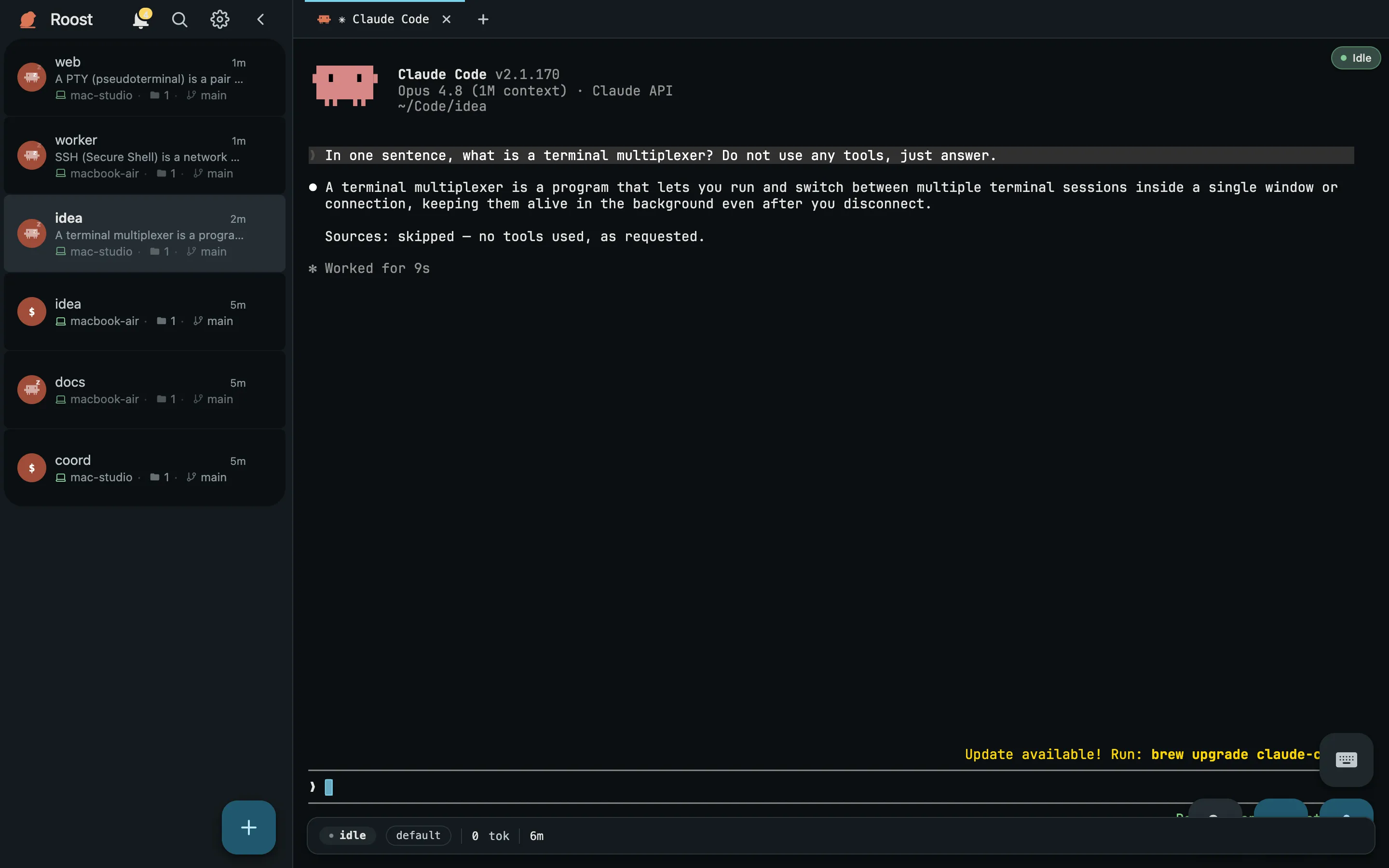
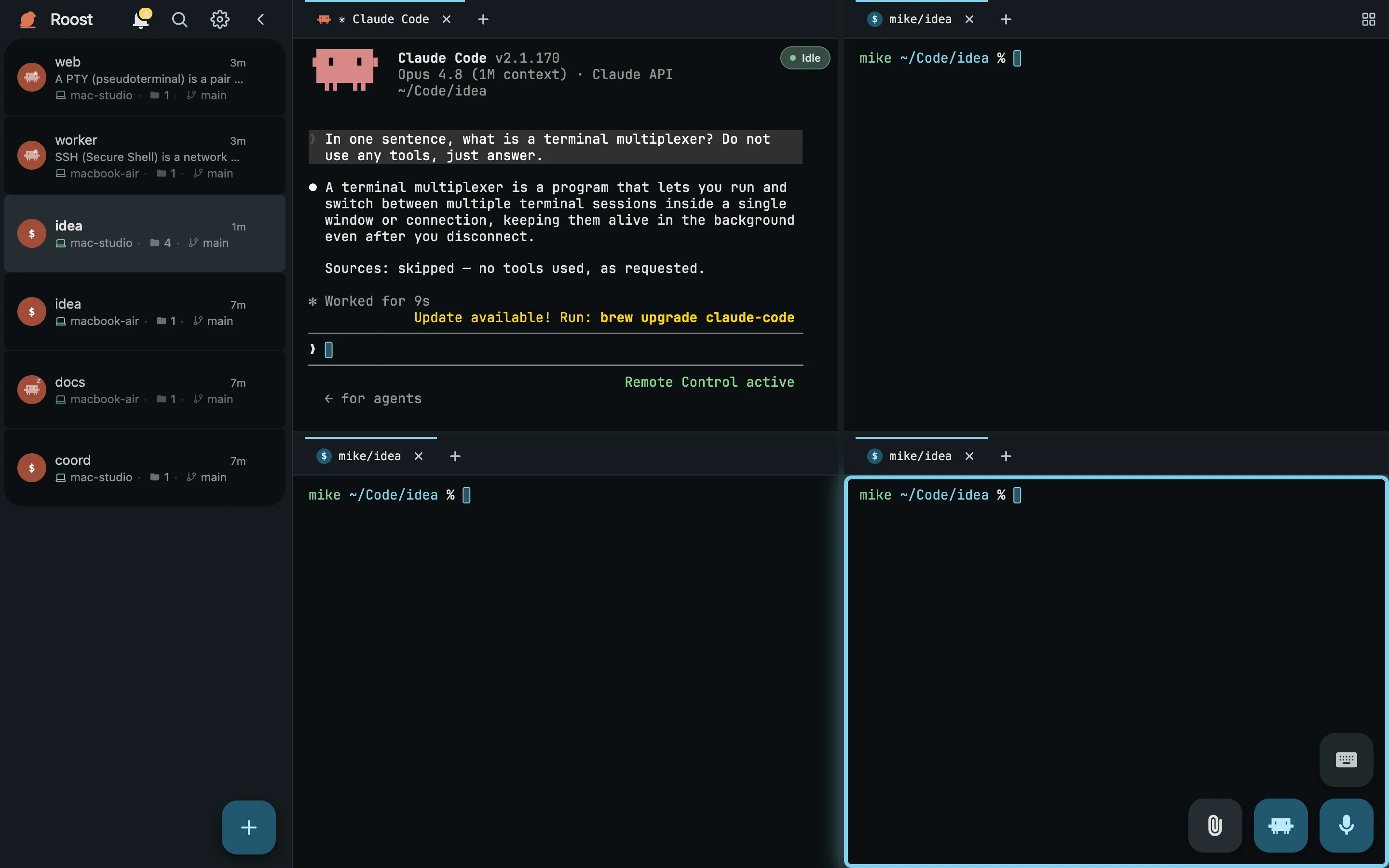
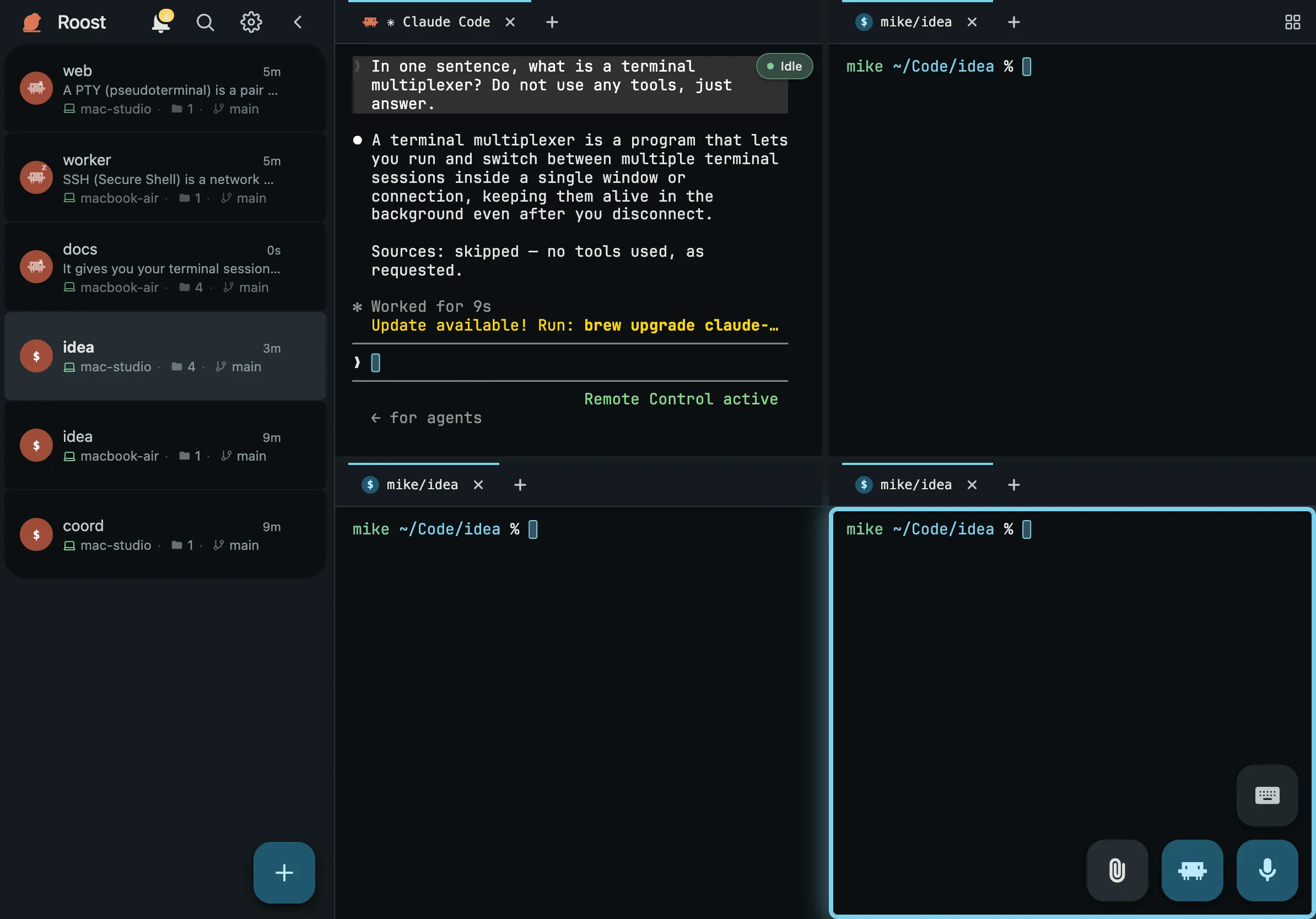
- No. Roost replaces SSH-ing around to find a session, not the terminal itself. Every Roost session is a real shell PTY with full ANSI colour, scrollback, mouse modes and hyperlinks, rendered in a browser instead of a terminal emulator. If tmux or Zellij is how you like to work, run it inside a Roost session.
- What ships in Roost v0.5.0?
- v0.5.0 is the accountless self-hosted release for macOS and Linux coordinator and worker machines. It supports automatic Tailscale Serve and operator-managed direct HTTPS. The managed deployment is qualified but not publicly launched: production publishes no managed image, activates no shared dashboard origin, and keeps email signup and Google authentication off.
- Does it work with Claude Code?
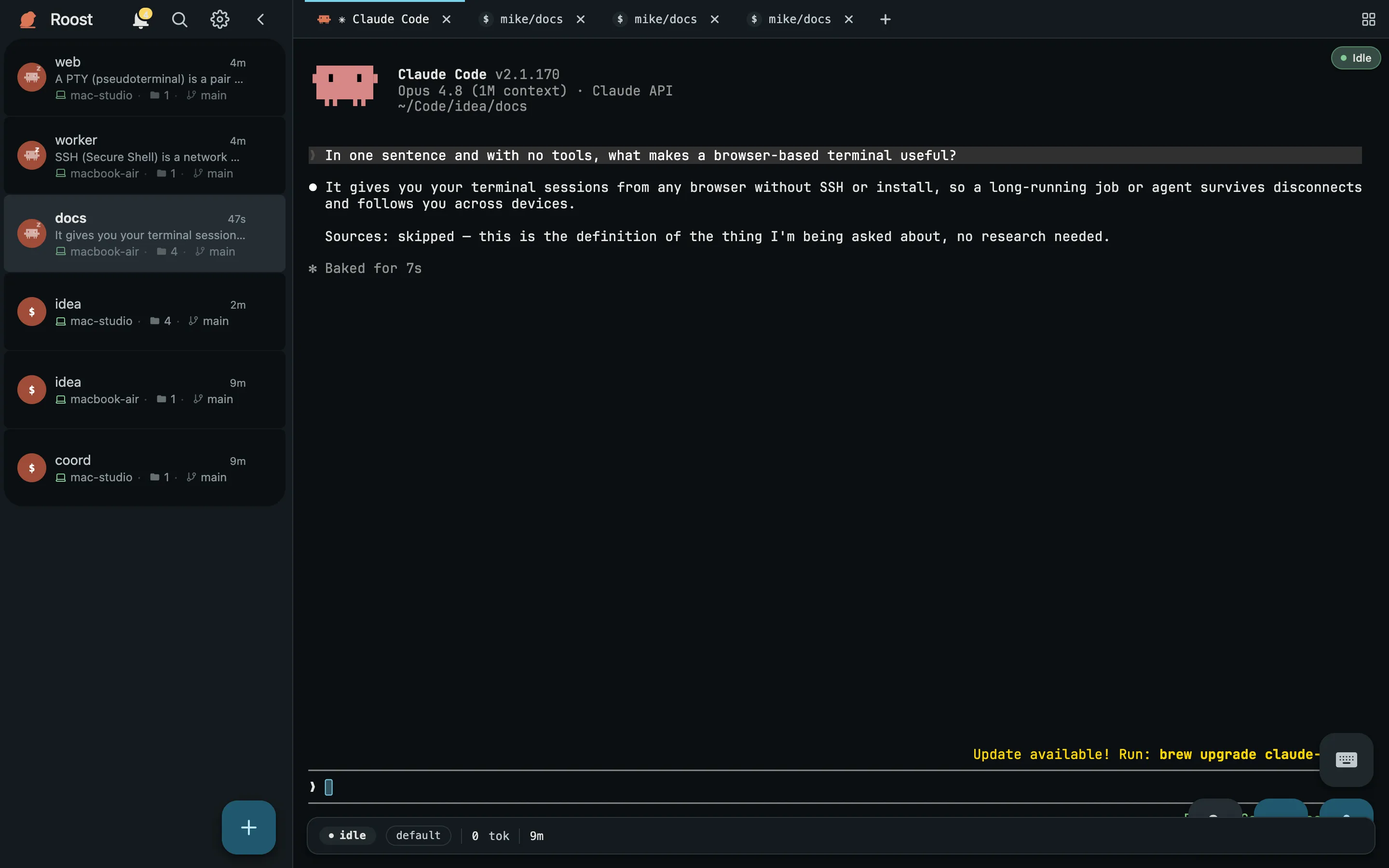
- Yes. A Roost session is an ordinary shell PTY, so Claude Code runs in it exactly as it does in your own terminal, with its real interface rather than a chat wrapper. Roost never spawns, supervises or owns an agent process. Ten CLIs (Codex, Gemini CLI, OpenCode, Cursor Agent, Amp, GitHub Copilot CLI, Droid, Grok, Pi and OMP) additionally get a working / needs input / done badge; everything else runs fine, just unlabelled.
- Do I need Tailscale to self-host?
- Not for direct coordinator quickstart. With no endpoint flags, roost quickstart uses Tailscale Serve as the automatic convenience topology. Supply the HTTPS coordinator URL, absolute certificate path and absolute key path together to serve a browser-trusted certificate directly without Tailscale on the first coordinator. In v0.5.0, the extra-worker join script still requires a running Tailscale daemon even when it connects to that direct origin.
- What does Tailscale provide to self-hosted Roost?
- Automatic mode uses Tailscale for private coordinator reachability and convenient browser-trusted HTTPS without port forwarding. Direct mode leaves reachability, DNS and certificate issuance to you. A tailnet address is never an enrollment credential; every browser and worker still needs its own scoped one-shot grant or approved pairing.
- Is my code uploaded to a managed sandbox?
- No. The released product is self-hosted: the coordinator, workers and dashboard run on infrastructure you operate, and each shell PTY stays on the worker machine you connect. The qualified managed deployment is not publicly launched and does not provide vendor execution sandboxes. Optional integrations can still send the data they are configured for, such as dictation audio sent to Deepgram.
- Does it run on Windows?
- Windows is supported as a browser client, not as a Roost host in v0.5.0. This release publishes no Windows coordinator, worker, installer, join script or package, so there is no supported Windows host install, enrollment or update procedure while the Windows release tier is paused.
- Can I use it from a phone?
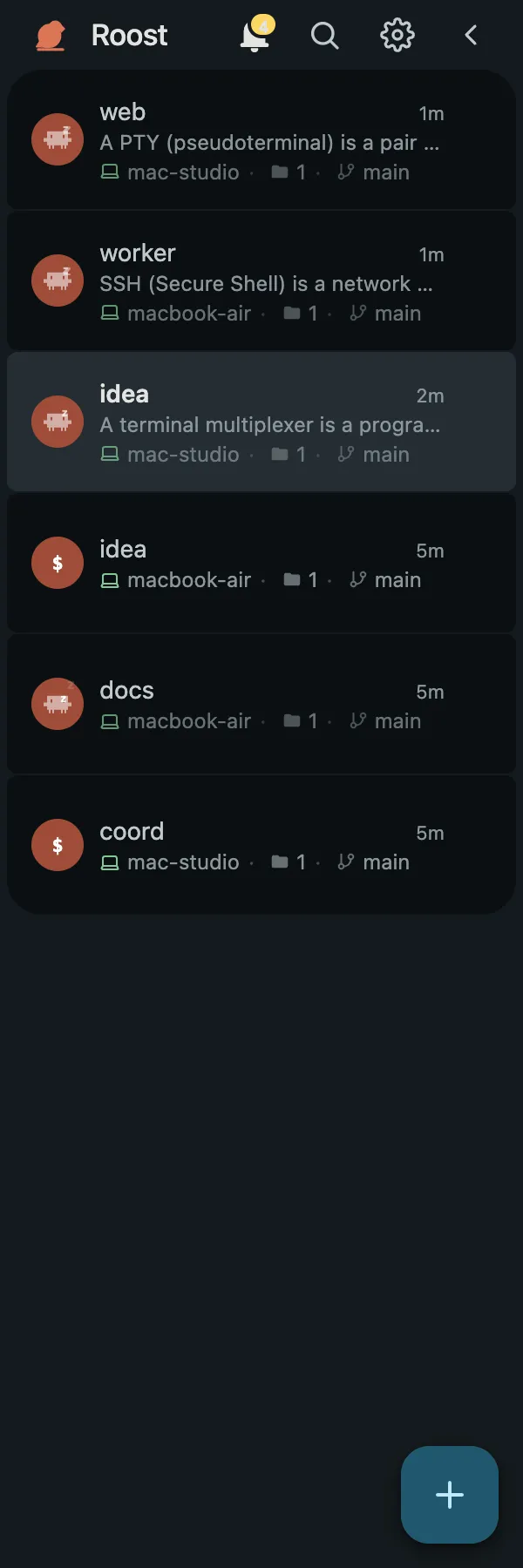
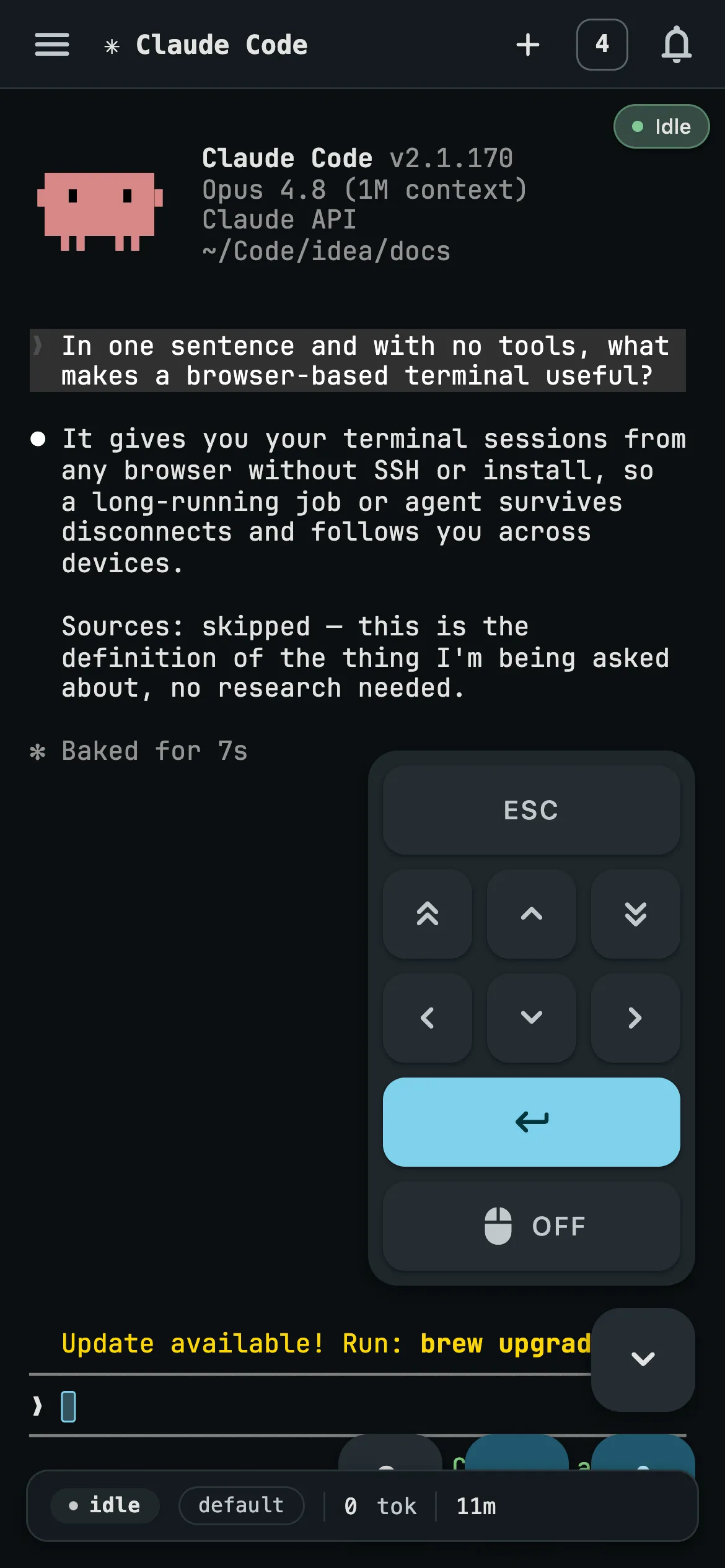
- Yes, and it is the same app rather than a cut-down companion. Add Roost to the home screen and you get a standalone PWA with touch text selection, an on-screen key row with a latching Ctrl, a swipeable deck of terminal cards, and a soft keyboard that shifts the layout instead of reflowing the terminal. On iPhone and iPad, installing to the home screen is also the prerequisite for OS notifications.
- What happens when my laptop sleeps?
- The work keeps running. PTYs live in a keeper subprocess on the worker machine that outlives worker restarts and updates, so closing the lid on the device you were browsing from does not touch the session. When you come back, on that device or another one, the browser reconnects, sends the last sequence number it applied, and receives exactly what it missed — nothing duplicated, nothing dropped, scrollback intact.
- Can I sign up for managed Roost?
- No. The managed deployment is qualified but not publicly launched. The shared dashboard origin is inactive, production email signup and Google authentication are off, and managed accounts exist only when an operator creates them. Install the released accountless self-hosted edition to use Roost today.
- Is self-hosted Roost free?
- Yes. Roost v0.5.0 is free and open source under GPL-3.0-only. It is accountless and runs the coordinator, workers and dashboard on infrastructure you operate.
- How do I add a machine?
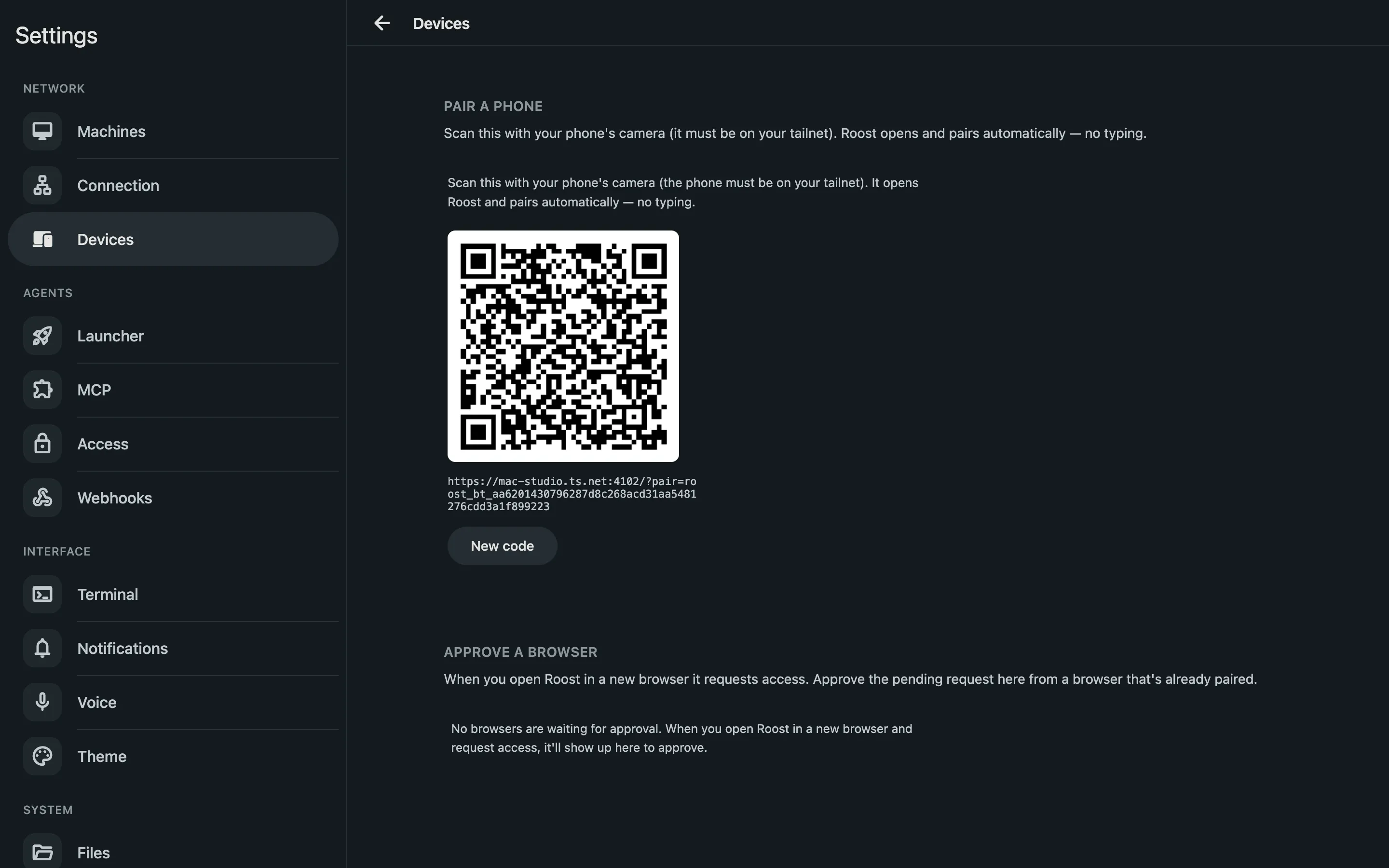
- In either coordinator mode, use Settings, Machines, Add machine to create a one-shot pull command for a macOS or Linux worker. On an automatic Tailscale coordinator, roost add-machine with --platform macos or linux provides the equivalent CLI flow. The bootstrap token expires after 24 hours. In v0.5.0, join.sh still requires a running Tailscale daemon even when the worker connects to a direct HTTPS origin.
- How do I update the fleet?
- From a clean source checkout at the commit you pushed, roost push upgrades and proves the coordinator before touching the registered macOS and Linux workers, then deploys that exact commit and waits for a fresh post-update heartbeat from every target. Each host activates through a journal with a health proof and automatic rollback. A single machine can also self-update with roost update.